BUILT FOR Testing API's , Connectors and MuleSoft API's

HTTP Client for Every API on your gateway,
one manifest.

CharonITE connects to your MuleSoft API's, pulls every API and loads them onto a single portable collection — ready to open.

No account required · Desktop app · Reads your API's, never writes to it
MANIFEST — CharonITE
0 entries loaded export.collection.json
Speaks the same language as
MuleSoft Postman v2.1 Insomnia gRPC · GraphQL · REST
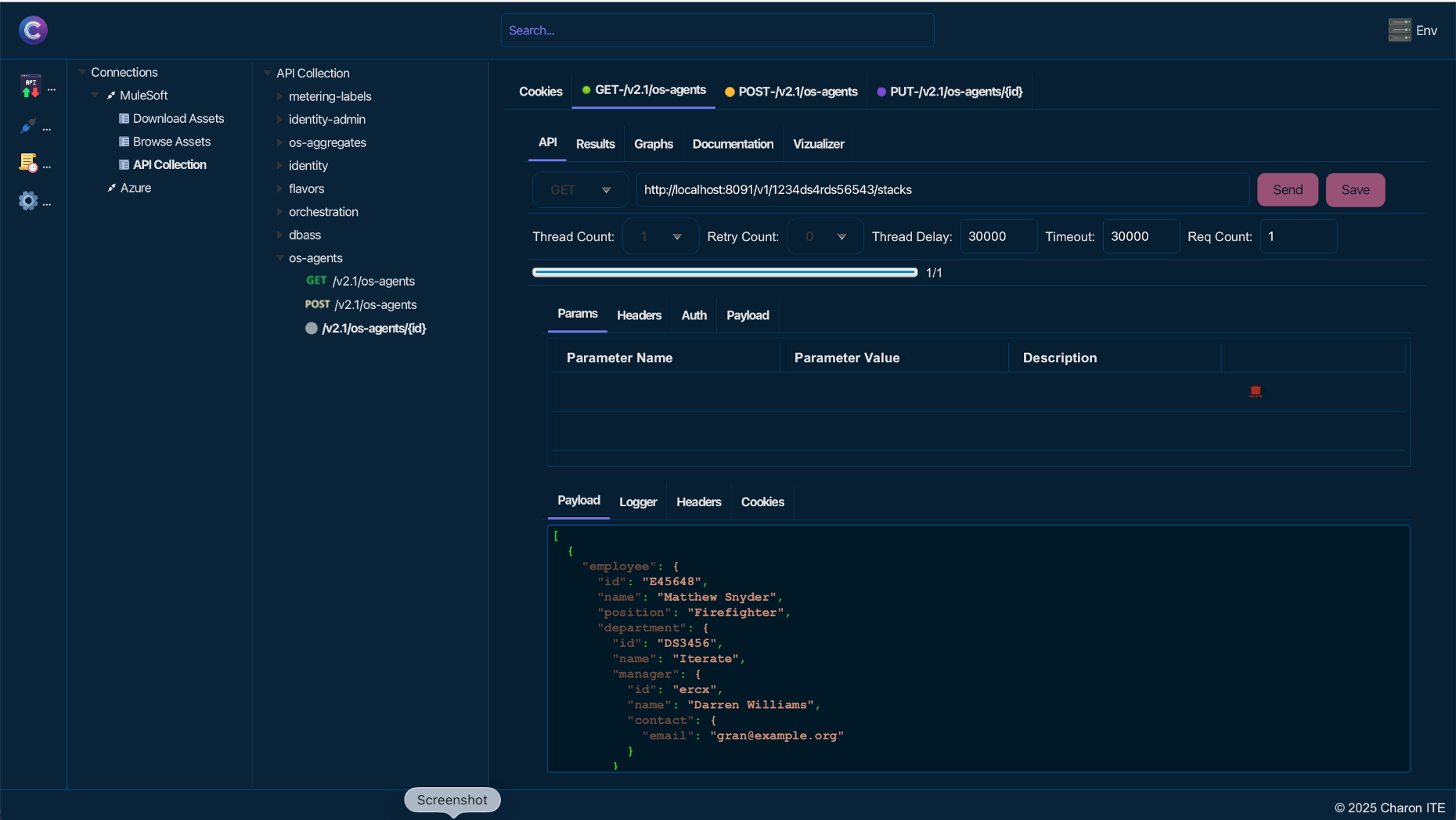
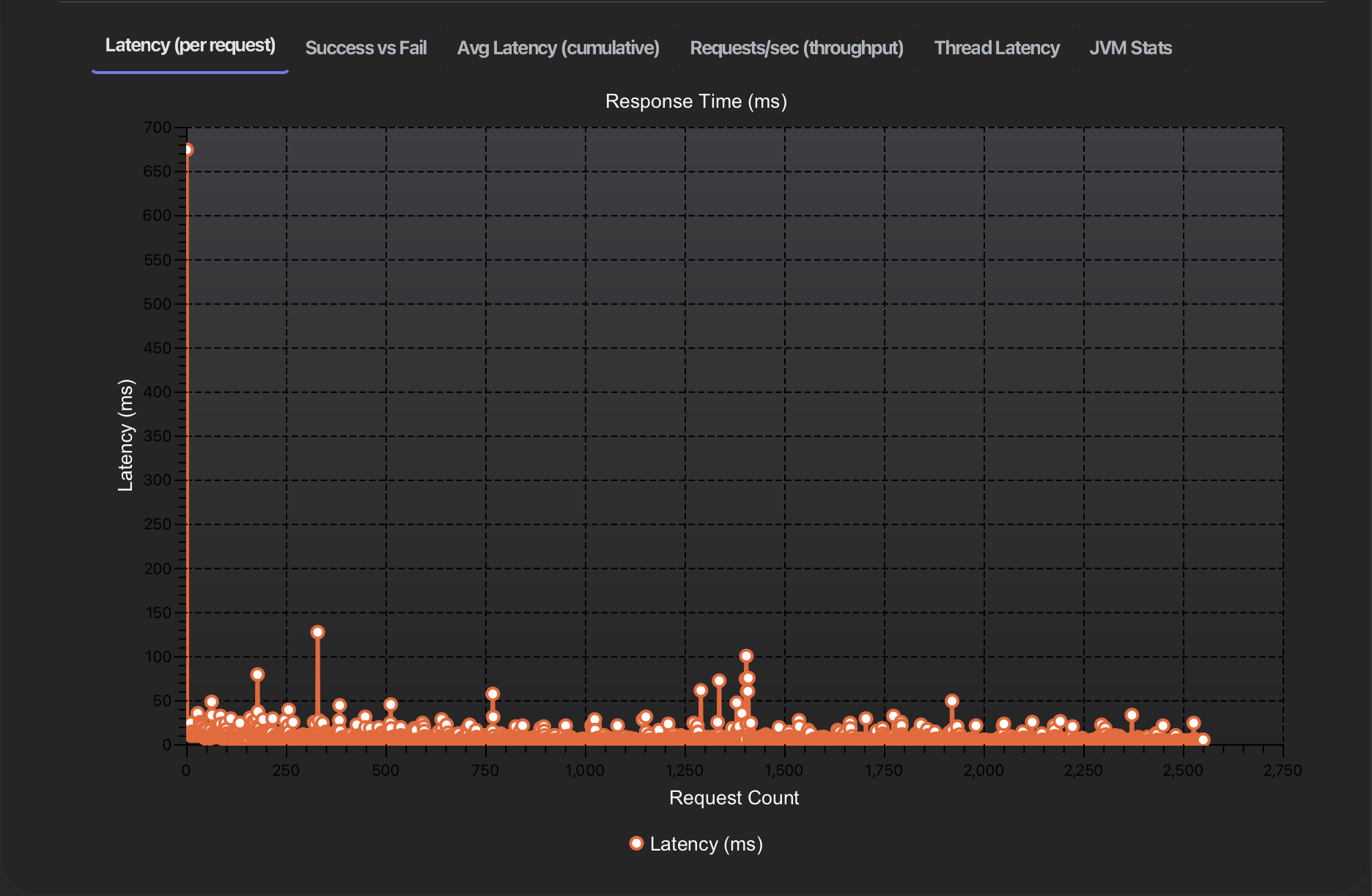
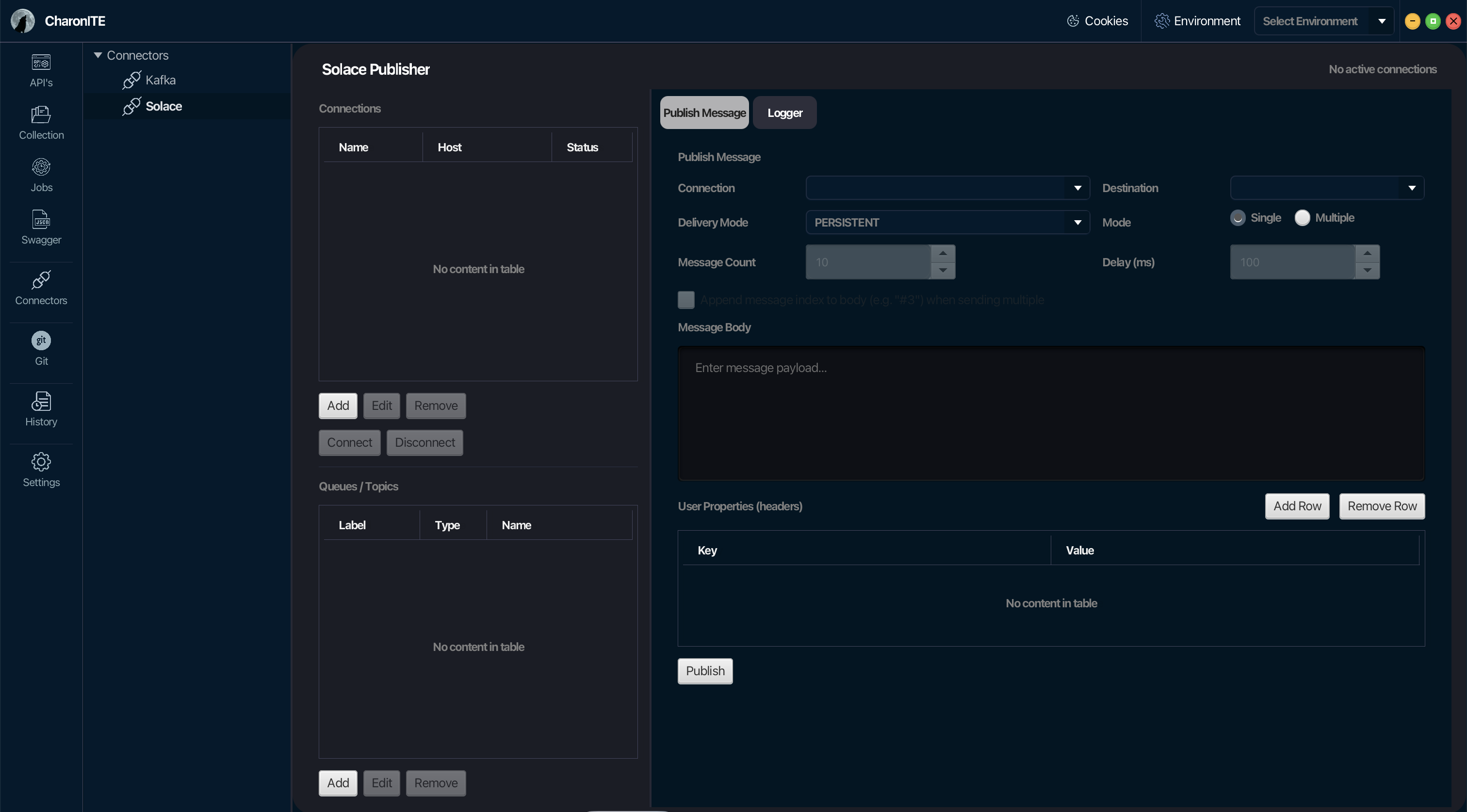
CharonITE service discovery preview CharonITE Graphs CharonITE Connectors
WHY CharonITE

Your Platform already knows your API. CharonITE just writes it down.

CharonITE holds the real, reads API's in realtime. Always access the up-to date API's and collection while preservice the existing collection status.

01

Full pagination, handled

Hundreds of services or thousands of routes — MuleSoft walks every set of the API's automatically, so nothing gets left off the manifest.

02

Plugins included

Working with Connectors no problem we have coverd you , test connectors like KAFKA, Solace etc.. and convert to MuleSoft stubs easily.

03

RBAC-aware

Point CharonITE at a locked-down API's and hand it an admin token — it's sent the way MuleSoft expects, nothing more.

04

A format that travels

Collections export as standard JSON. Open them in Postman or Insomnia, check them into git, or feed them to your own scripts.

STEP 01

Point it at your Platform

Enter your MuleSoft Connected APP Details , OrgID , Org Name , User ID — local, staging, whatever you're inspecting. That's the whole setup.

  • Works with MuleSoft Cloud
  • Works using connected APP
  • Nothing is installed on your MuleSoft Platform
$ curl http://localhost:8001/status
200 OK, database: reachable

# CharonITE uses exactly this API —
# no agents, no sidecars.
STEP 02

Watch the manifest fill in

CharonITE fetches API Assets first, then walks into each one for its routes and plugins, showing progress live so a slow gateway never looks like a stuck one.

  • ALL API Assets in one collection
  • Live status of you'r API while you are testing it
  • Clear errors if the API's rejects a call
▾ checkout-api [https://checkout.svc:443]
▾ Routes (4)
GET /v1/cart
POST /v1/cart/items
▾ Plugins (2)
rate-limiting
jwt
STEP 03

Save it as a collection

One click writes a Postman v2.1 collection to disk — a folder per service, a request per route, with the upstream URL already assembled from the service's host, port, and path.

  • Import straight into Postman or Insomnia
  • Commit it to git as a point-in-time snapshot
  • Diff two exports to see what changed on the gateway
{
  "info": { "name": "checkout-platform" },
  "item": [
    {
      "name": "checkout-api",
      "item": [ /* one per route */ ]
    }
  ]
}
FREE & OPEN SOURCE

Stop hand-copying routes into a collection.

CharonITE is free to download and use on macOS, Windows, and Linux.